Stable Diffusion: Automatic1111 with Distrobox and Systemd
Author: Prayank Swaroop This post is contributed by a user of the JOHNAIC system. Thanks, Prayank.
There are several ways to run Stable Diffusion on a local machine: Automatic1111, Forge, ComfyUI, and more. In this tutorial, we will focus on Automatic1111. The goal is to run it on the default port 7860 with the xformers library enabled, expose it as an API with basic authentication, and keep it running as a persistent service using systemd.
We will use Distrobox instead of a plain Podman container because Distrobox gives us easy file access and a familiar Ubuntu environment without the complexity of volume mounts. This tutorial is especially useful if your user account does not have sudo access on the host machine.
Setting Up Automatic1111
First, create a Distrobox based on Ubuntu 22.04. Pass the GPU flag so that the container can use your Nvidia graphics card. Once the box is created, enter it and install the required system dependencies: wget, git, python3, a virtual environment, and graphics libraries.
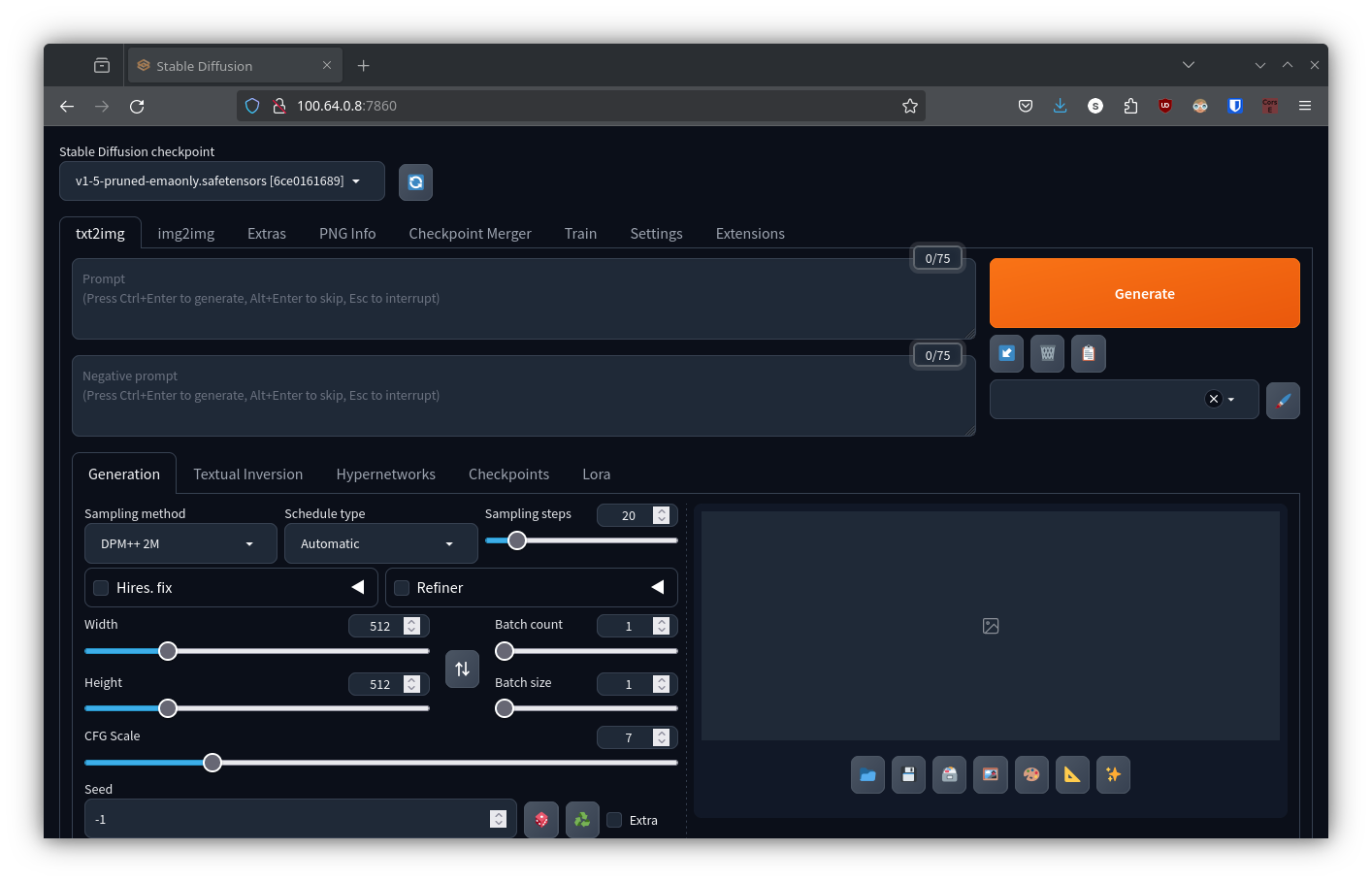
Next, clone the Automatic1111 repository and navigate into the directory. Launch the web UI with flags for xformers, API access, and basic authentication. The first run will download models and dependencies, so be patient. When you see a message saying the server is running on local URL port 7860, you can open it from another machine on the same network.
Making It Persistent
Running the server manually is fine for testing, but it stops when you close the terminal. To make it persistent, we will set up a user-level systemd service.
Exit the Distrobox and note the absolute path to the Automatic1111 directory. Then create a systemd unit file in ~/.config/systemd/user/. The unit file tells systemd how to start and stop the Distrobox, and how to keep it alive if it crashes.
After writing the unit file, reload the systemd user daemon, enable the service so it starts on login, and start it immediately. You can check the status at any time, view logs with journalctl, and stop or disable the service when needed.
Why This Works Well on JOHNAIC
Because JOHNAIC is designed to be always on and locally accessible, it is an ideal host for a private Stable Diffusion server. Your generated images never leave your network. You control the models, the authentication, and the uptime. And because the whole service runs inside a Distrobox, the host system stays clean and secure.
Published on 16/10/24