DPDP and enterprise AI: what the next seven months mean for where your AI runs
Author: JohnAIC Team
The deadline is close, and AI changes the question
India's data protection law moves into full force in May 2027. For most organisations, that leaves about seven months to make their compliance programmes operational, and the next milestone arrives in November 2026.
Much of the DPDP conversation so far has focused on consent banners, privacy notices and breach processes. Those matter. But there is a quieter question that compliance and technology teams now need to answer together: where do our AI systems run, and what personal data passes through them?
A year ago, most enterprise AI was a pilot. Today it is reading loan applications, transcribing customer calls and answering citizens in regional languages. Each of those workflows processes personal data, and each one is a place where an obligation under the law has to be met.
This piece is not legal advice, and no infrastructure choice makes an organisation compliant on its own. What deployment architecture can do is make the obligations easier or harder to meet.
The timeline
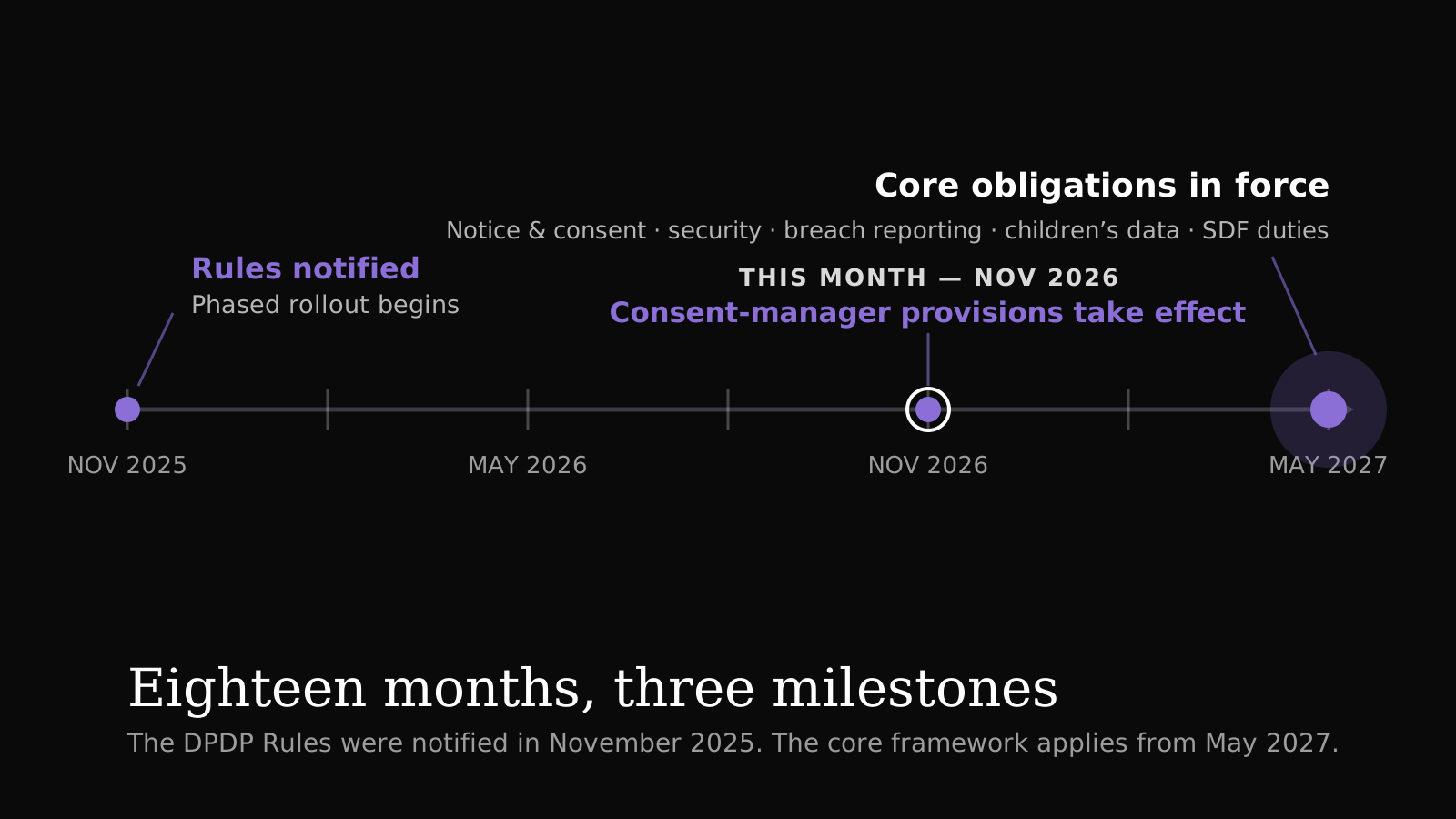
The DPDP Rules were notified in November 2025 with an 18-month phased rollout. Consent-manager provisions take effect one year after notification, in November 2026. The core framework, covering notice and consent, security safeguards, breach reporting, children's data and the duties of Significant Data Fiduciaries, comes into force in May 2027.
Where AI touches personal data
AI systems handle personal data in more places than teams usually map. A single customer-service assistant can touch five of them.
- Input — names, account numbers, Aadhaar or PAN details, health information. A KYC document uploaded for extraction.
- Processing — everything sent to the model, including the prompt. A call transcript passed to a language model.
- Retrieval — documents and records indexed for search. A vector database built from customer files.
- Output — answers that may repeat or infer personal details. A summary of a loan applicant's history.
- Logs and recordings — prompts, responses, audio and transcripts kept for quality or audit. Voice AI call recordings.
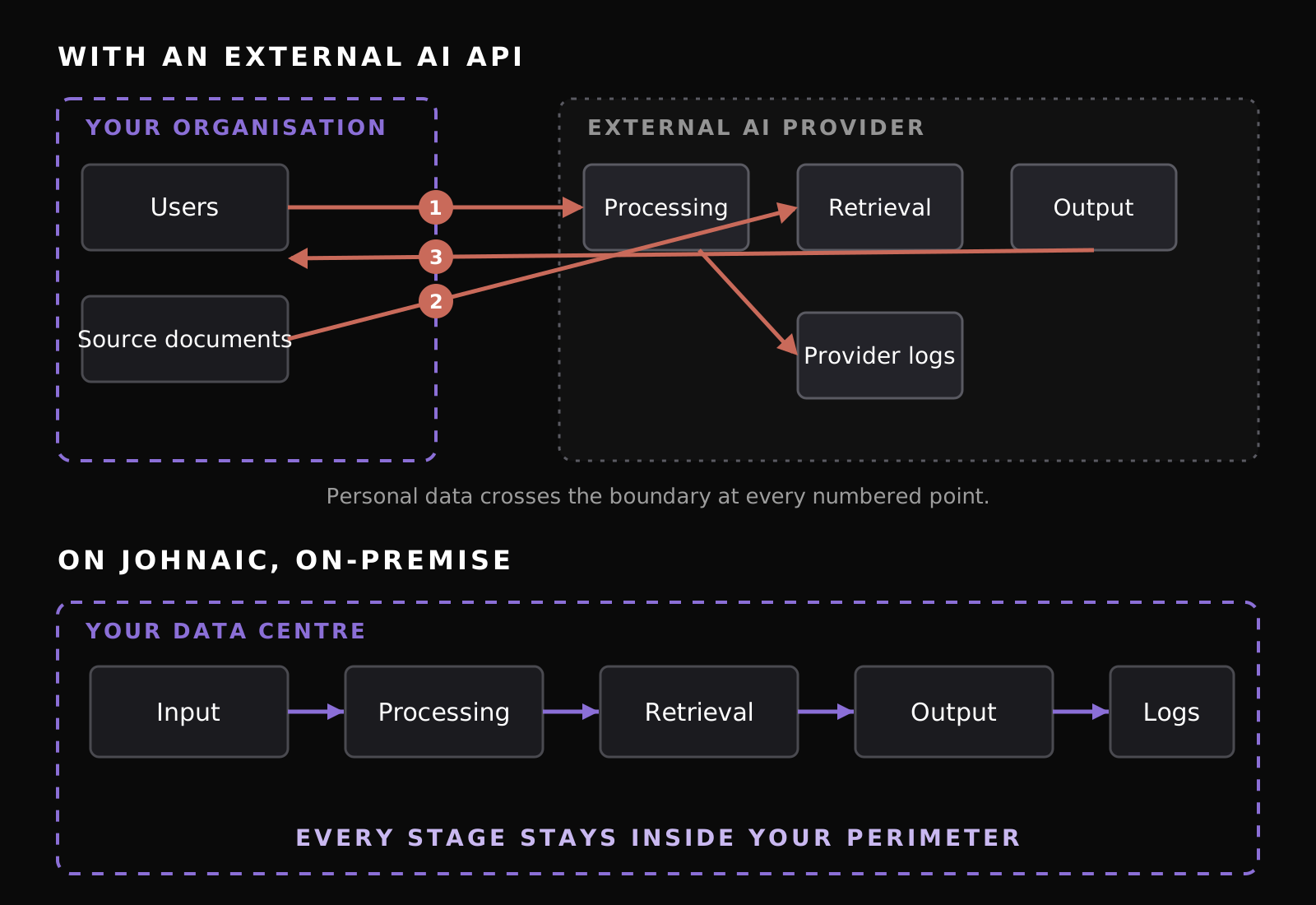
When these stages run on an external AI service, personal data leaves the organisation's environment at several points. That does not make cloud AI unlawful. It does mean more parties, more contracts, more data flows to document and more places where retention and deletion have to be controlled.
Five deployment decisions that make the obligations easier
-
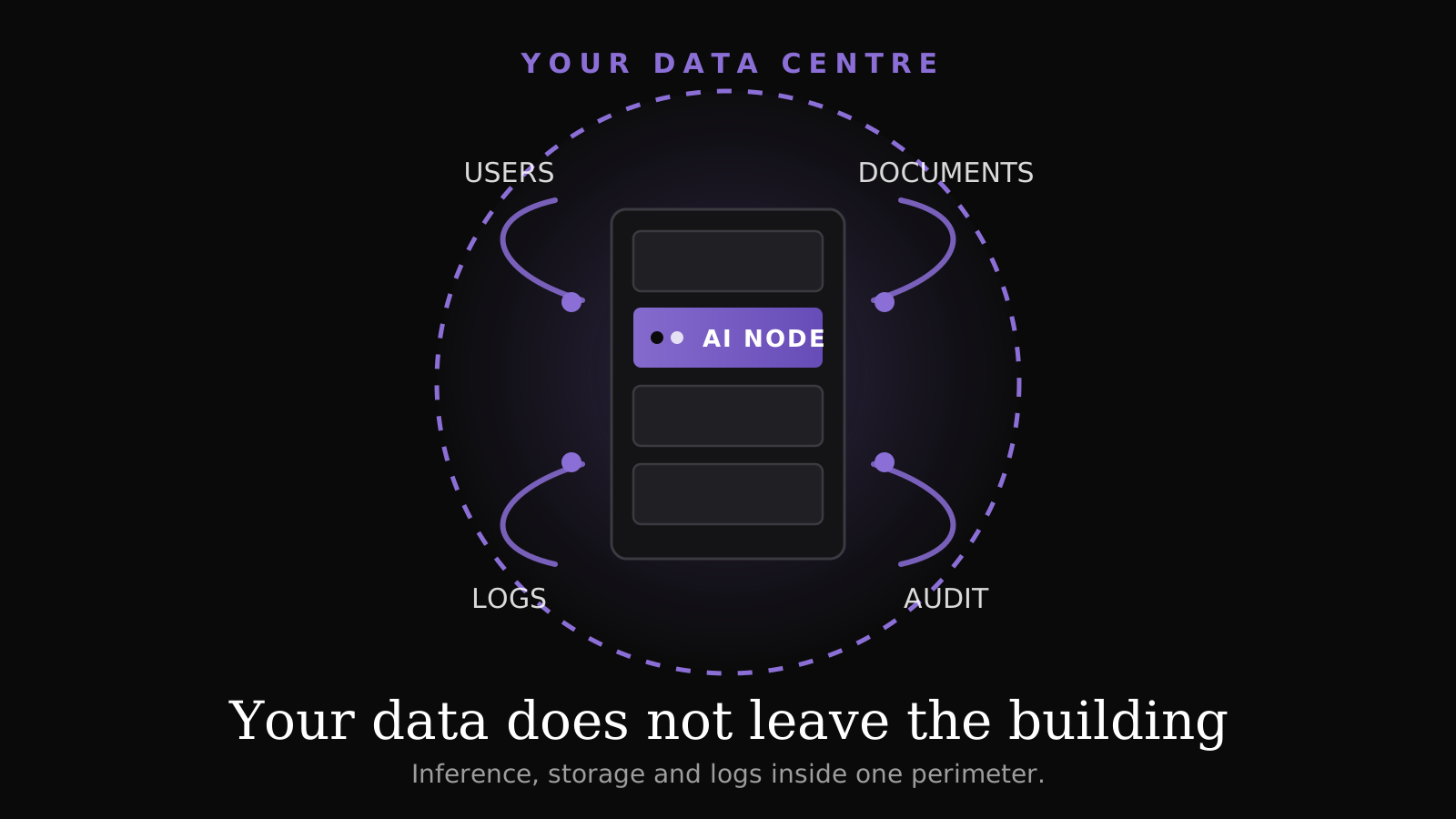
Decide where inference runs. The simplest way to reduce the number of data flows is to keep the model next to the data. When inference runs inside your own data centre, prompts, documents and outputs stay within your perimeter. Fewer flows means a shorter data map, fewer processor agreements and fewer questions from auditors.
-
Treat logs and recordings as personal data. Prompt logs, call recordings and transcripts are easy to forget. They are often kept indefinitely "for quality", and they frequently contain more personal data than the source systems. Decide where they are stored, who can read them and when they are deleted, before the AI system goes live.
-
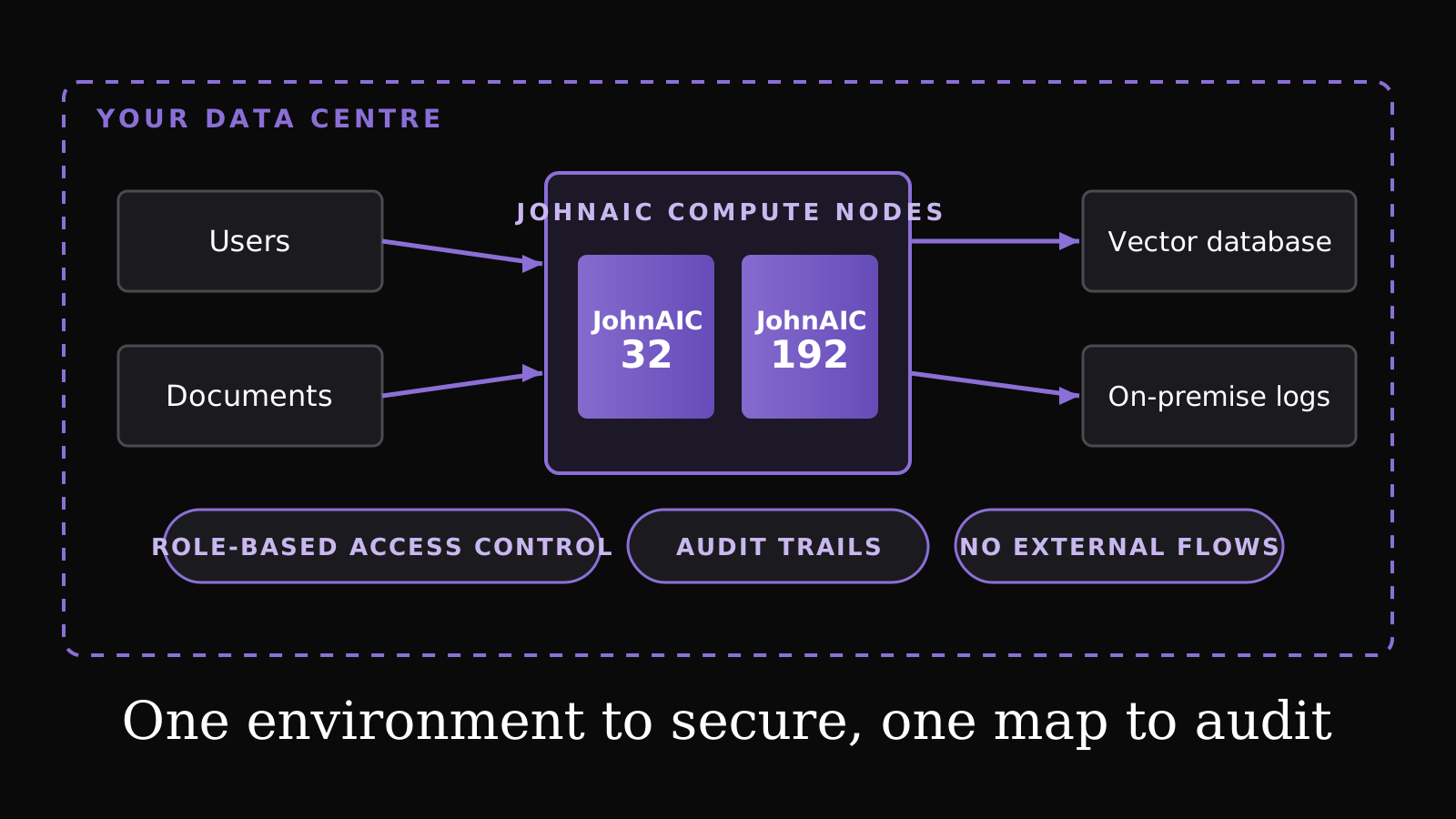
Build access control and audit trails into the AI layer. The law expects reasonable security safeguards, and regulators will ask who accessed what. An AI assistant that can search every document in the organisation needs the same permission model as the documents themselves. Role-based access, permission-aware retrieval and answer-level audit trails should be part of the platform, not added later.
-
Make deletion possible. When a person withdraws consent or the purpose ends, their data has to go. In an AI system that means source documents, the vector index, cached results and logs. If your architecture cannot find and delete a person's data across all four, that is worth fixing now.
-
Plan for breach response across the AI stack. Breach notification timelines are short. If part of your AI pipeline runs on infrastructure you don't control, your incident response depends on someone else's detection and reporting. Map who detects, who investigates and who notifies for every component.
A checklist for the next seven months
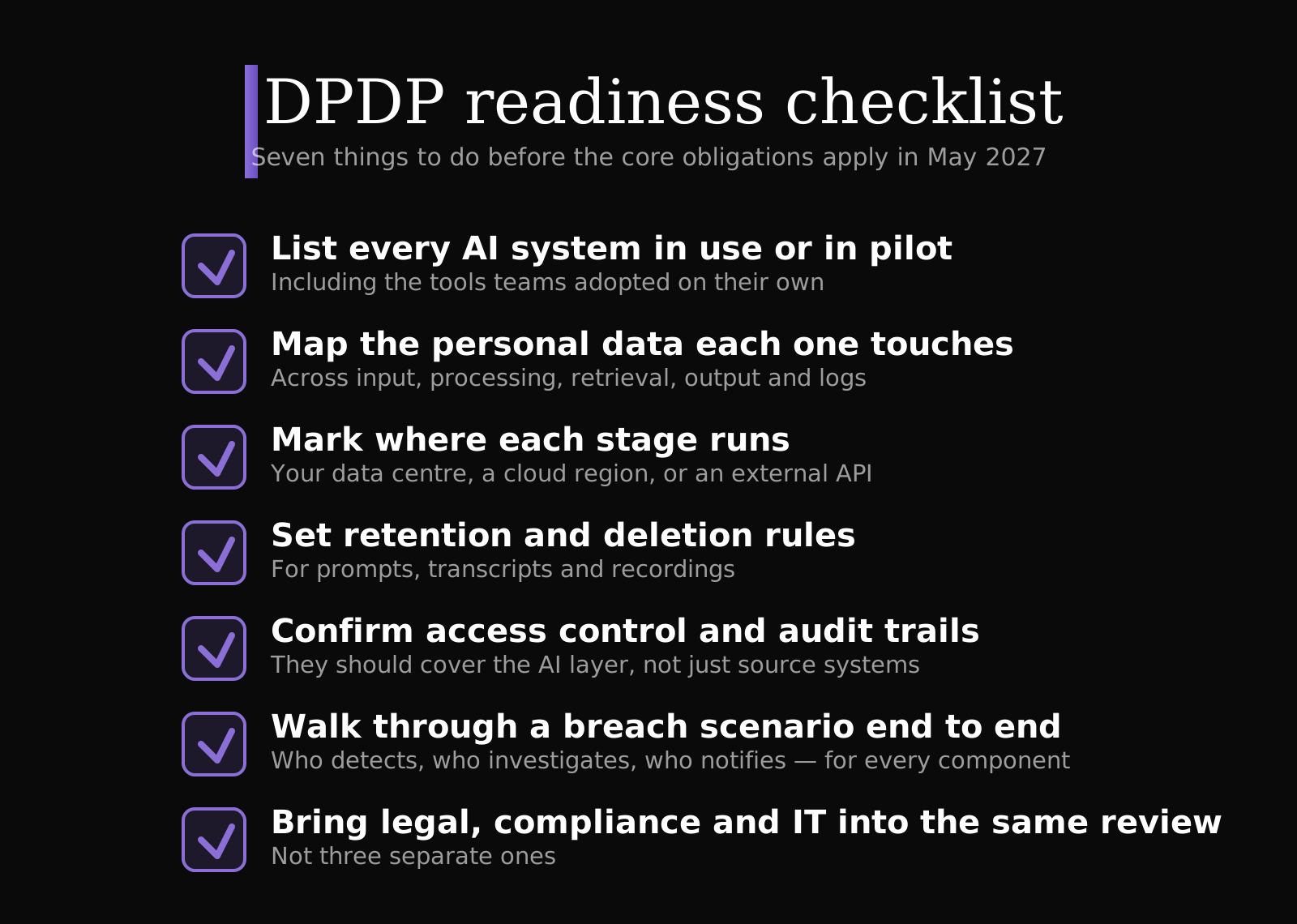
- List every AI system in use or in pilot, including tools teams adopted on their own.
- For each, map which personal data it touches across input, processing, retrieval, output and logs.
- Mark where each stage runs: your data centre, a cloud region, or an external API.
- Set retention and deletion rules for prompts, transcripts and recordings.
- Confirm access control and audit trails cover the AI layer, not just source systems.
- Walk through a breach scenario for one AI system end to end.
- Bring legal, compliance and IT into the same review, not three separate ones.
How JohnAIC helps
JohnAIC builds AI infrastructure that runs entirely inside the customer's data centre: compute, storage and the software stack, with role-based access control, audit trails and on-premise logging designed in. It is built to support DPDP obligations by keeping personal data within your perimeter, so your compliance team works with one environment instead of many.
If you are mapping AI systems against DPDP, we can review your architecture with you and show where on-premise deployment simplifies the picture, and where it doesn't.
Request an Architecture Review
Sources
- Mondaq / King Stubb & Kasiva: DPDP Act and Rules 2025, 2026 compliance milestones
- AZB & Partners: DPDP Act phased rollout and key compliance milestones
- India Briefing: DPDP enforcement timeline 2026–27
Published on 03/11/26